
Your whole staffing meeting, in one live screen

See every consultant, every project, and your utilization in real time — and plan the week without the spreadsheet gymnastics. Built for small and midsize consulting firms.

We’ll occasionally send product news and tips. Check this box if you’d rather not receive them.

Currently invite-only — public launch coming soon!

Everything your firm runs on.
In one live view.

Drag people onto a live staffing matrix. Move someone and everyone’s utilization recalculates on the spot — no formulas to fix.

Spin up an engagement with just a name and fill in the details as they firm up. Tetrify never blocks you with required fields when you’re moving fast.

Watch billable utilization, bench time, and margin shift the instant anyone is re-staffed — live, not in a month-end report.

Let AI draft status updates, surface the next staffing move, and answer questions like “who’s free in March?” in a sentence.

The end of the staffing scramble.
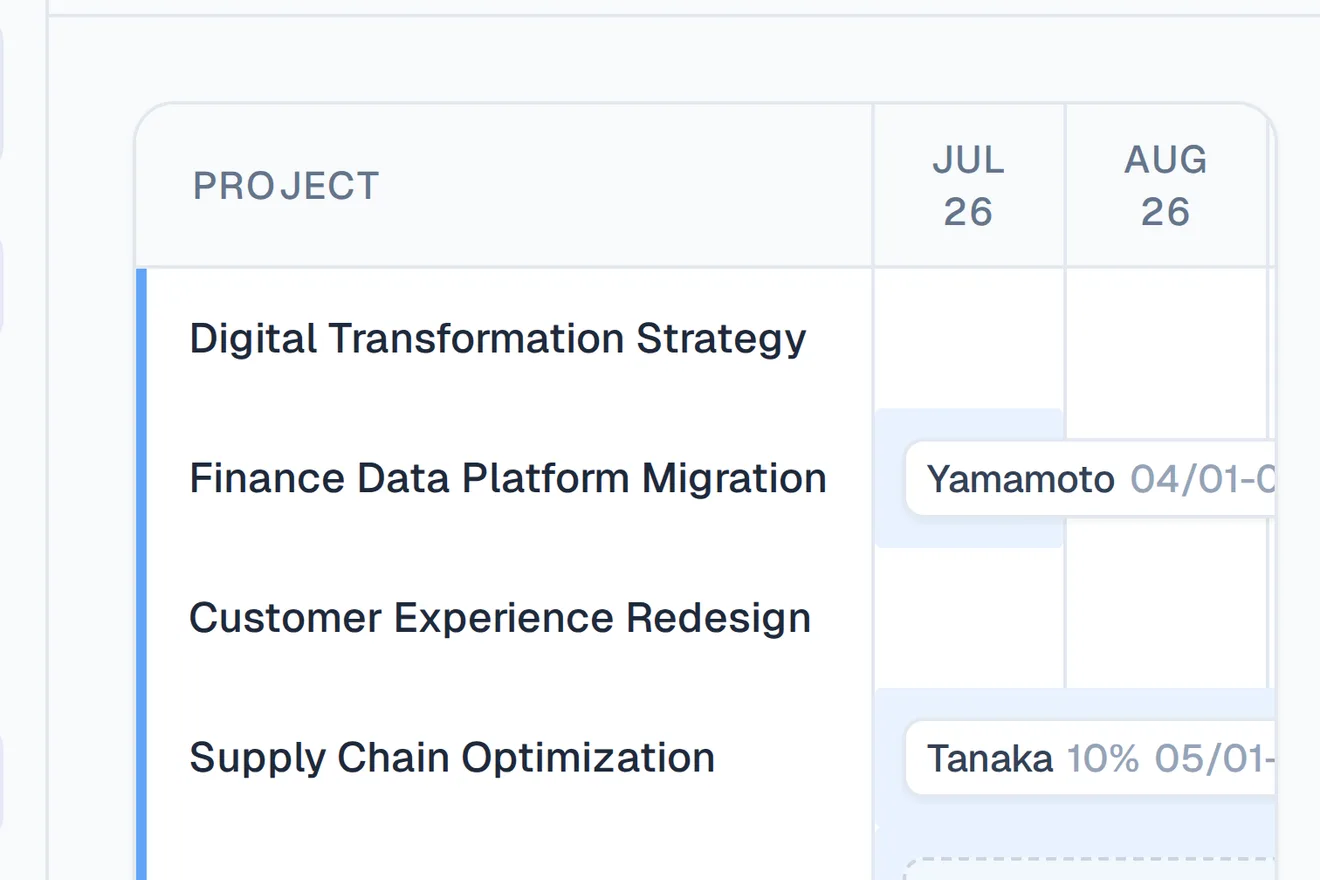
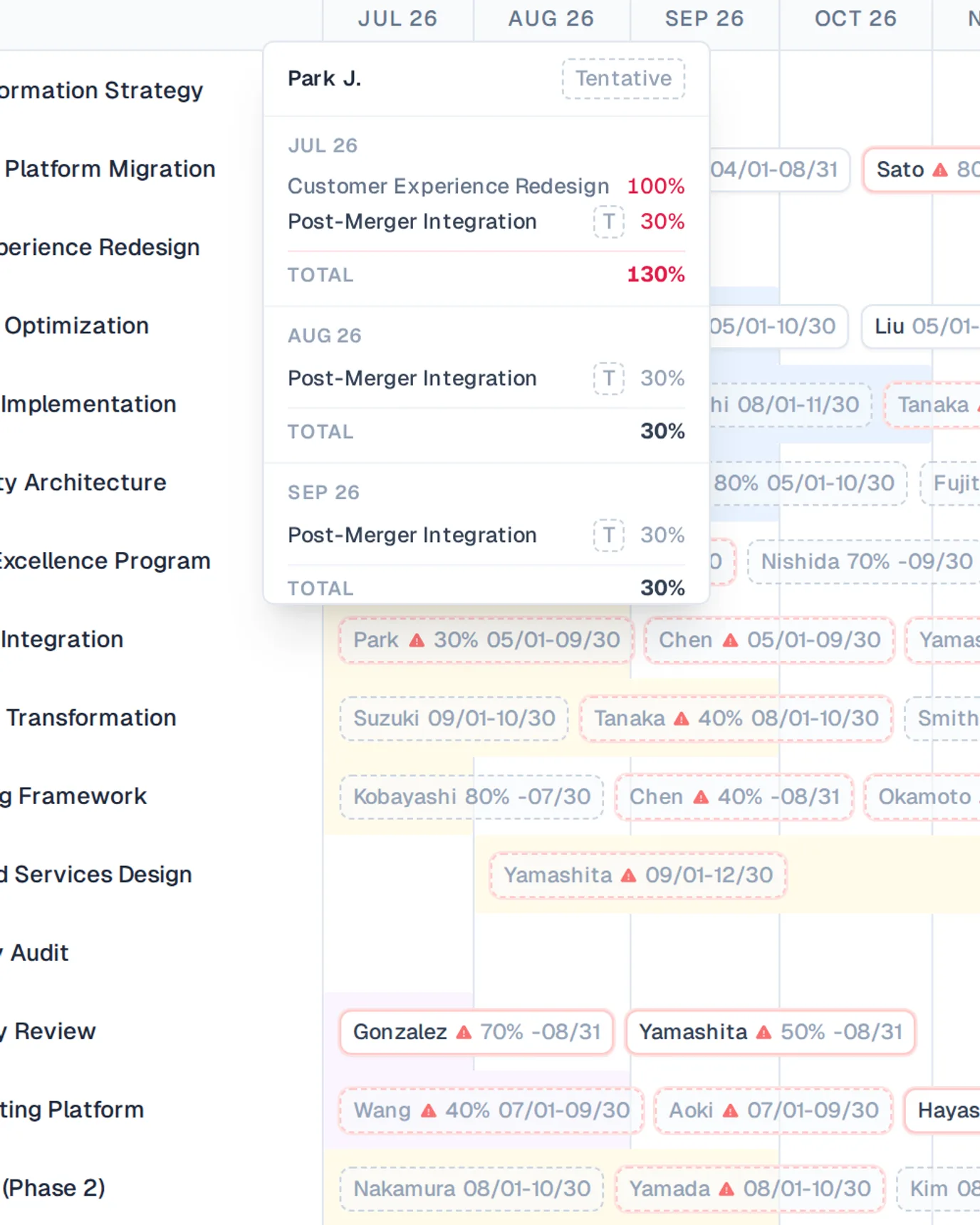
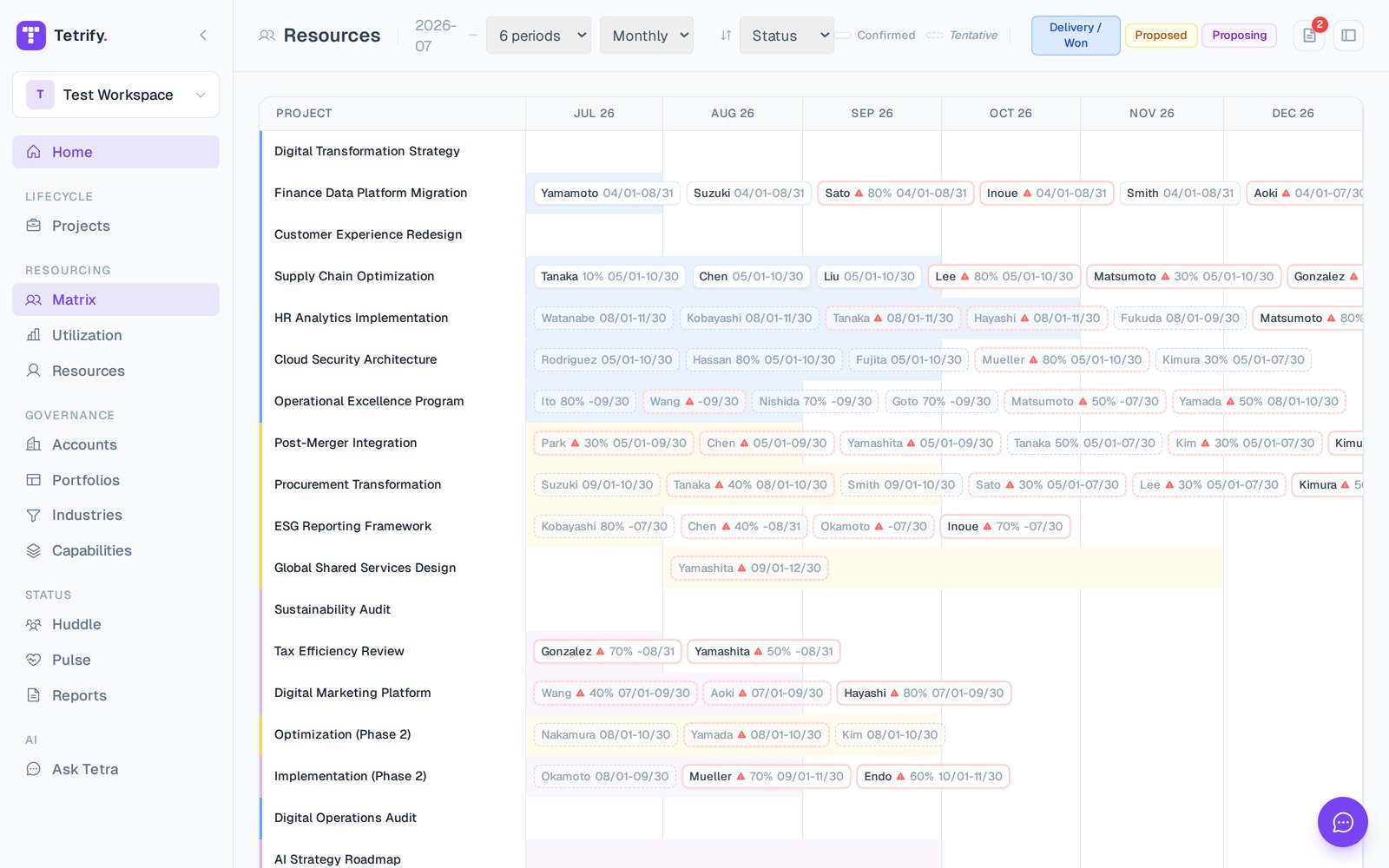
Screenshot of Tetrify's live staffing matrix — people as rows, projects and weeks as columns, cells colour-coded by allocation.

One board everyone trusts

Staff projects by dragging people onto a live matrix. The moment you move someone, utilization updates for the whole team.
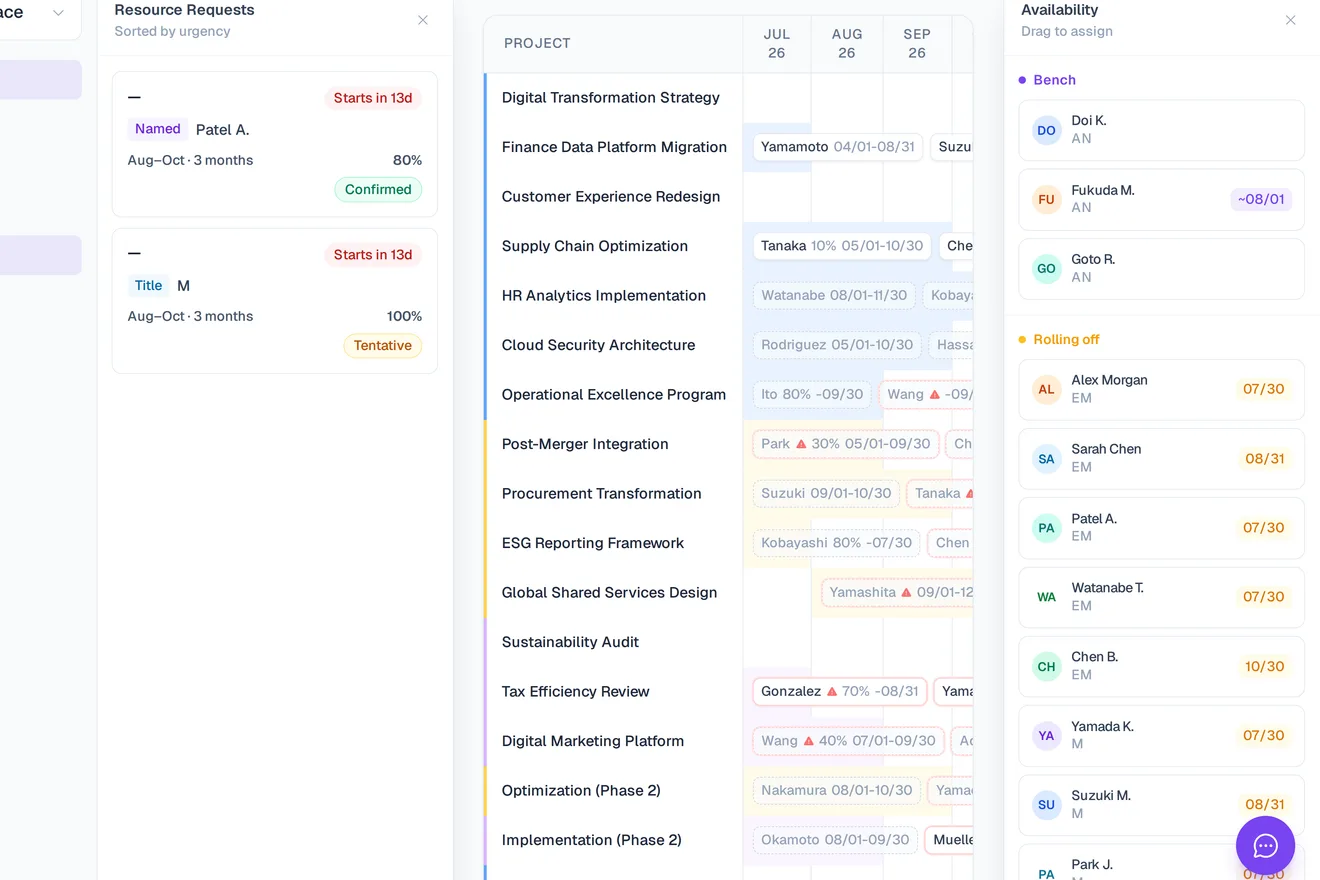
Screenshot of Tetrify's staffing matrix with both side panels open — resource requests on the left and the availability/bench list on the right — one shared board for the whole team.

Plan together, in real time

Run the conversation with everyone on the same screen — not three versions of a spreadsheet flying around over email.

Tentative or confirmed, at a glance

Pencil people in, then lock them when it’s real. Colour-coded so over-allocation and idle time jump right out.

Start with just a name

Create a project or a person in seconds and fill in the rest later. Tetrify never stops you mid-flow.

It already feels like the spreadsheet you know.

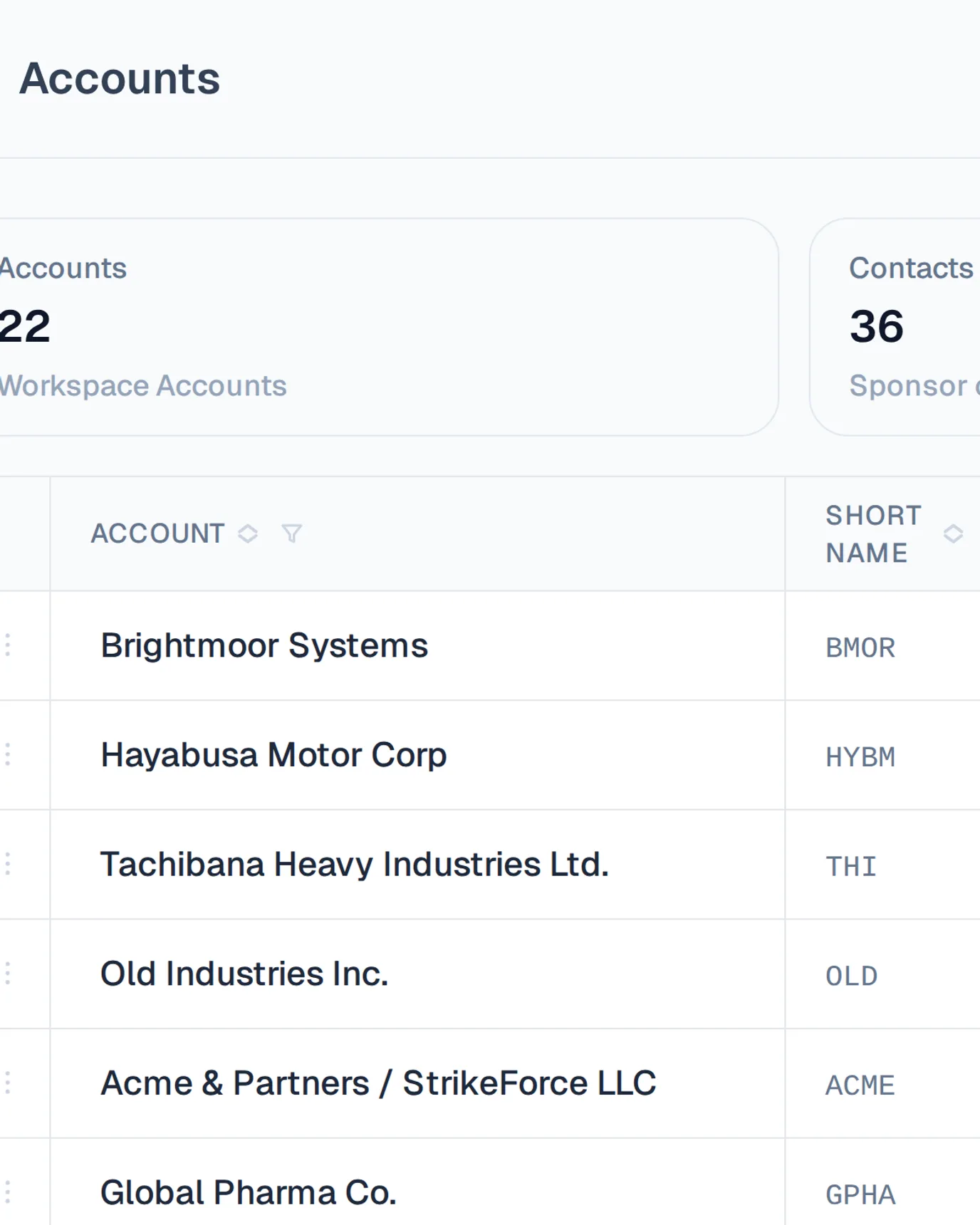
Inline editing, keyboard nav, and drag-and-drop your team already knows. No training deck required.
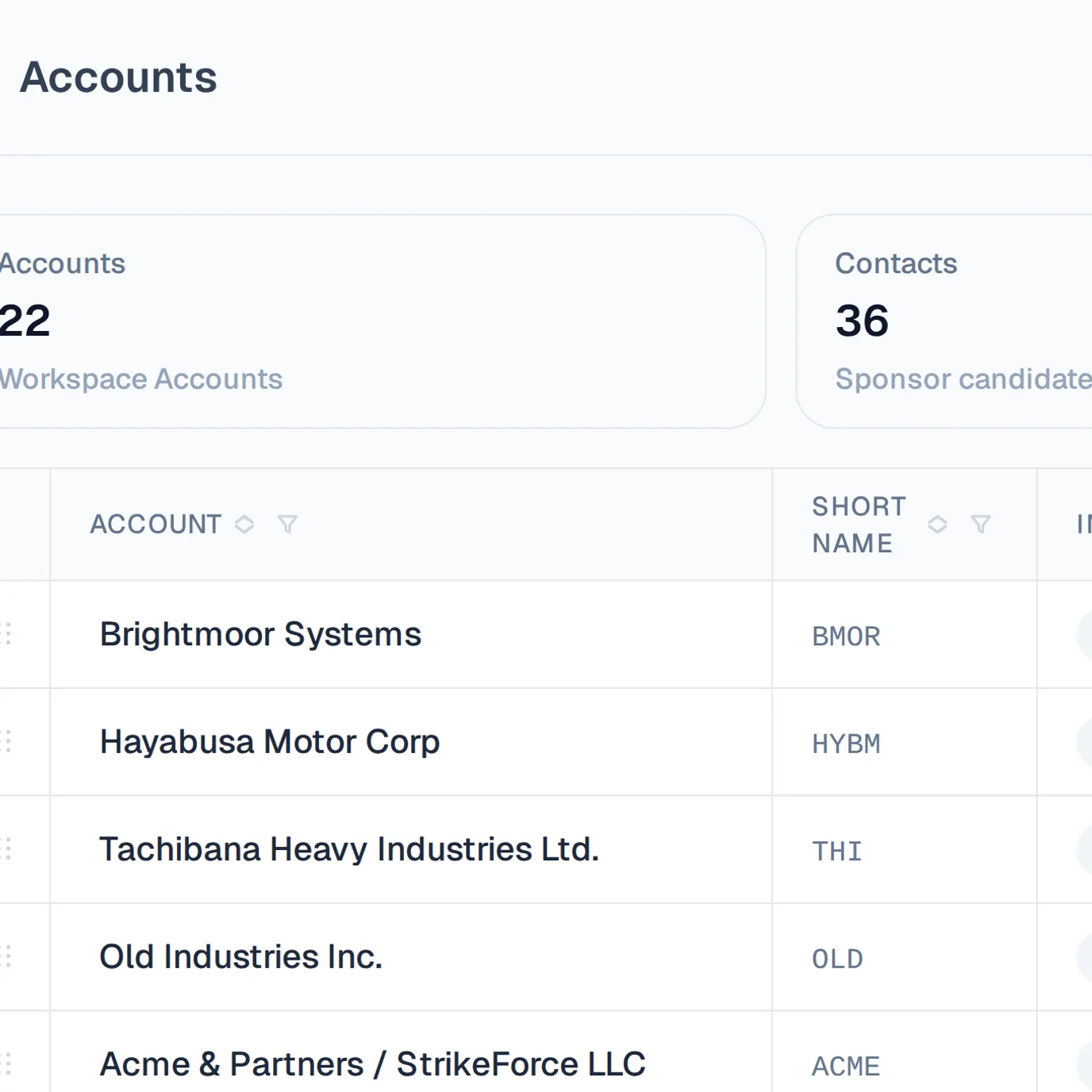
Screenshot of Tetrify's accounts data grid — a spreadsheet-like table of rows and columns edited inline with keyboard navigation.

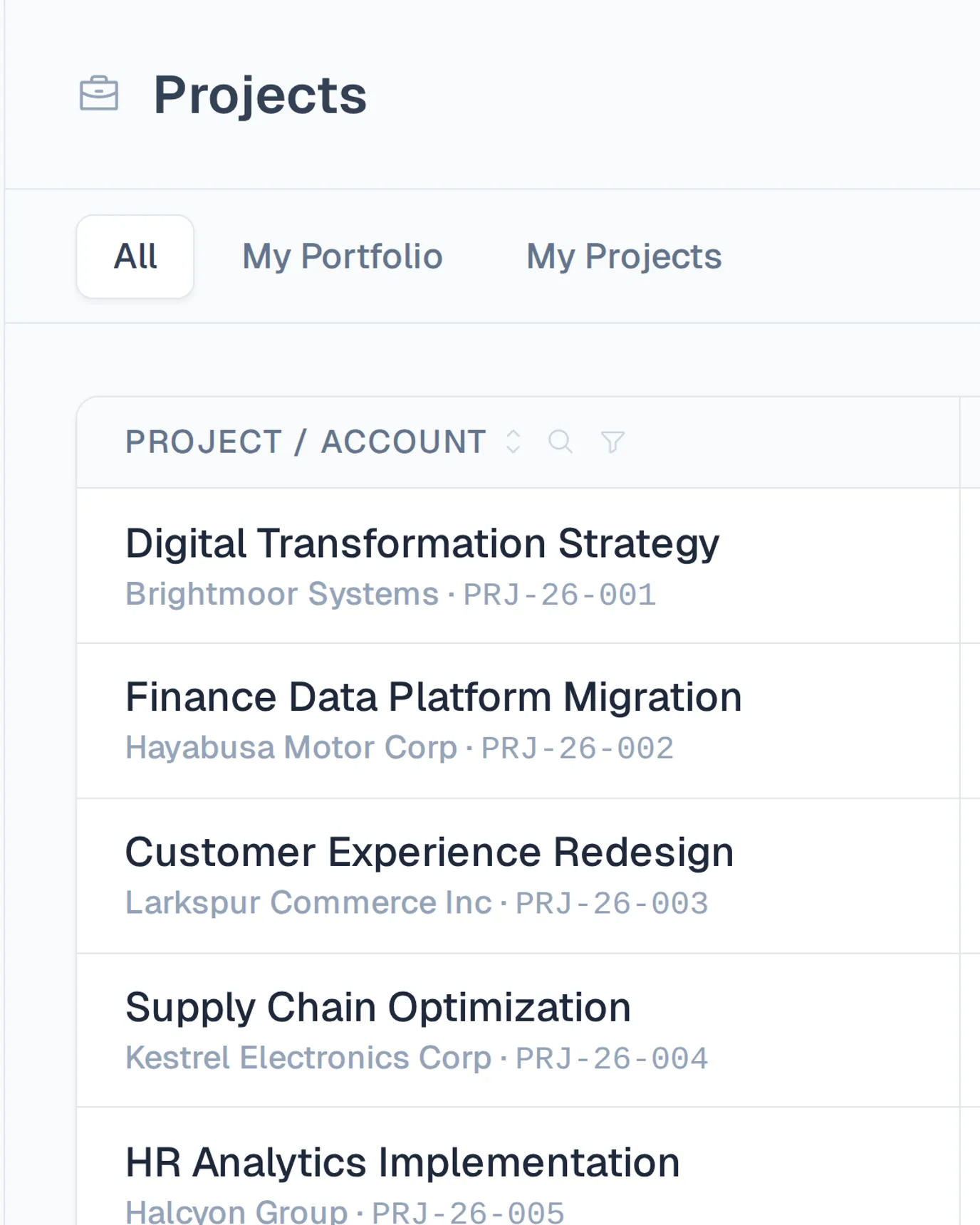
Start from today’s staffing sheet — import your people and projects and you’re running the same day.Take a tour
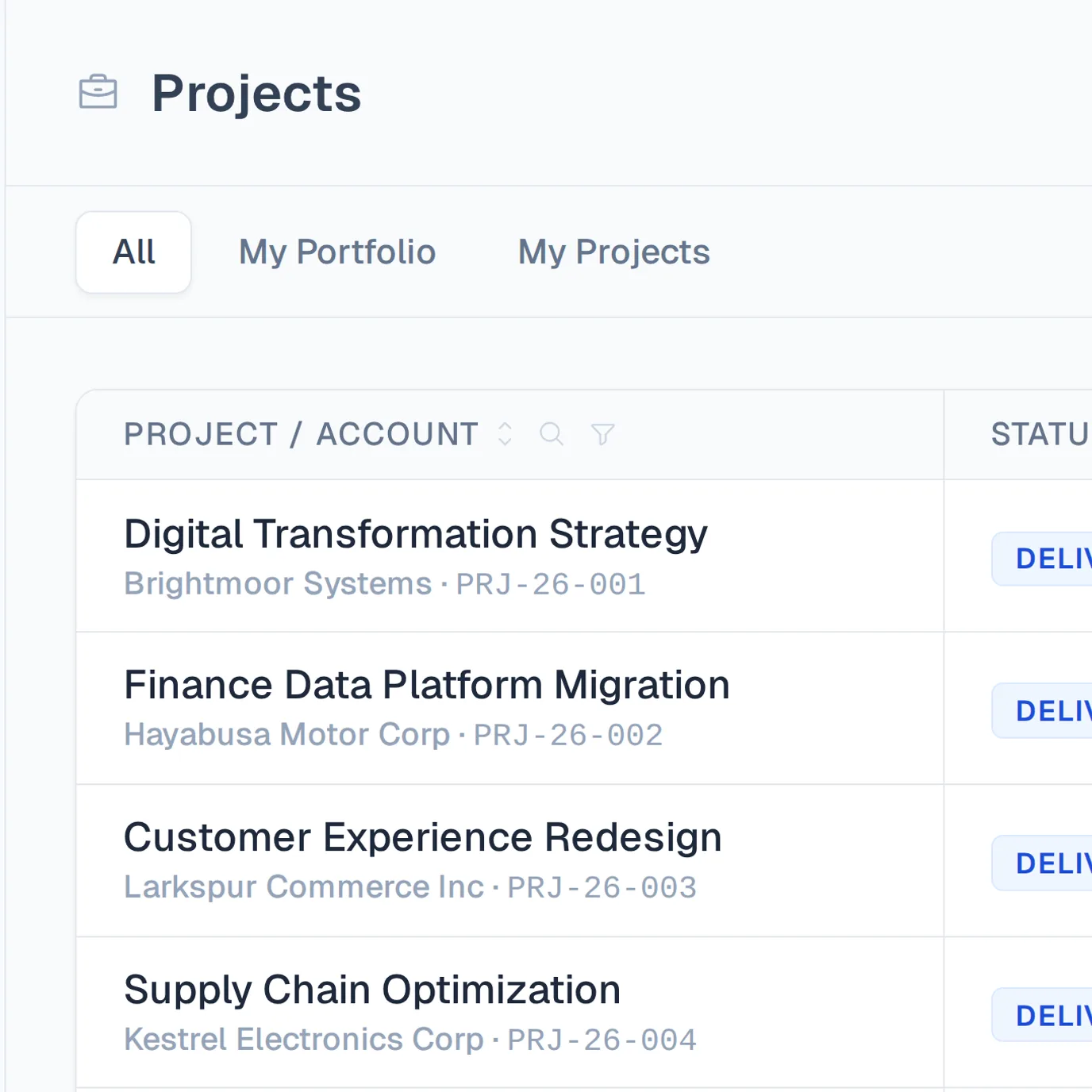
Screenshot of Tetrify's projects list, where imported people and projects appear as rows ready to staff.

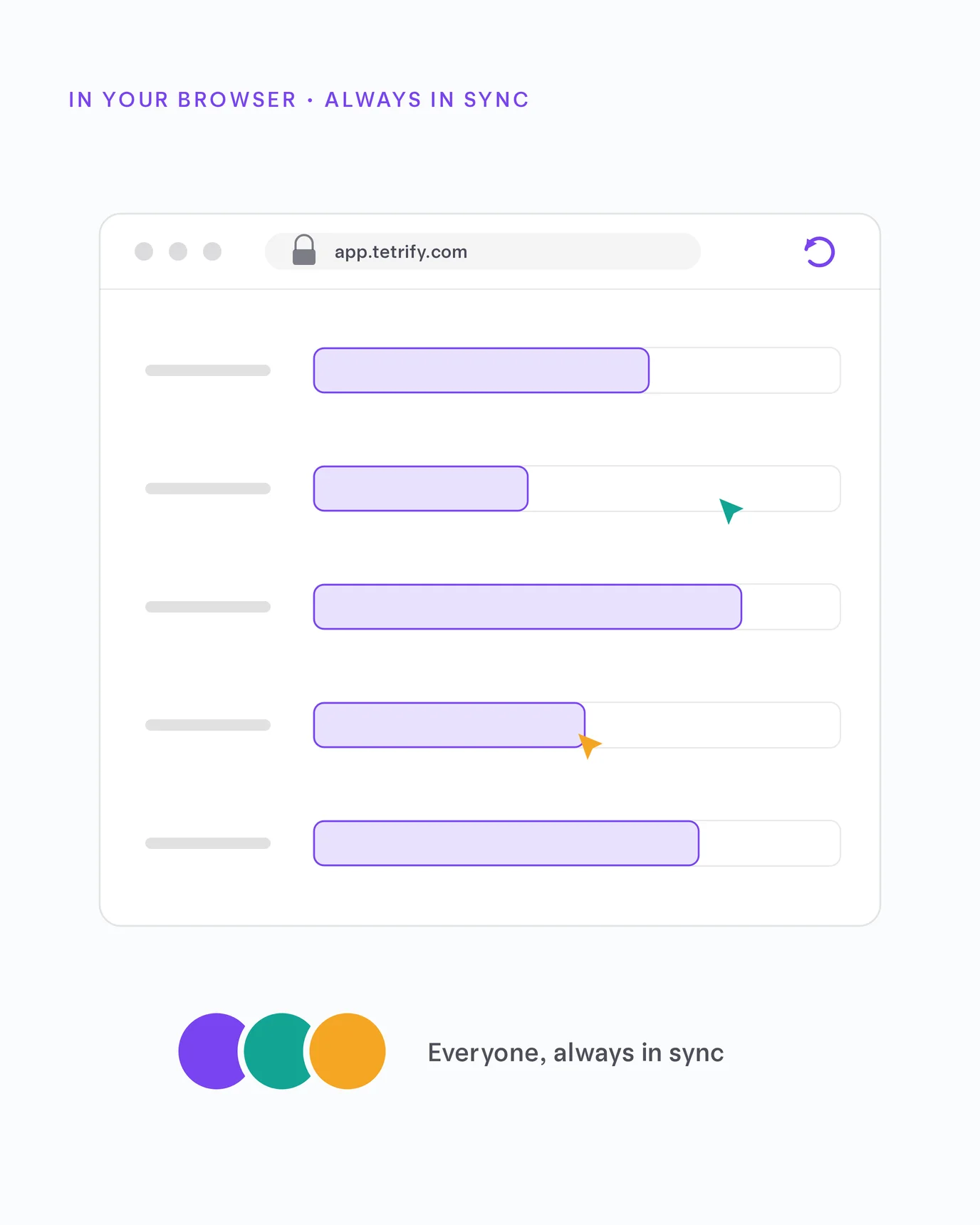
Tetrify runs in the browser and stays in sync for everyone, automatically.
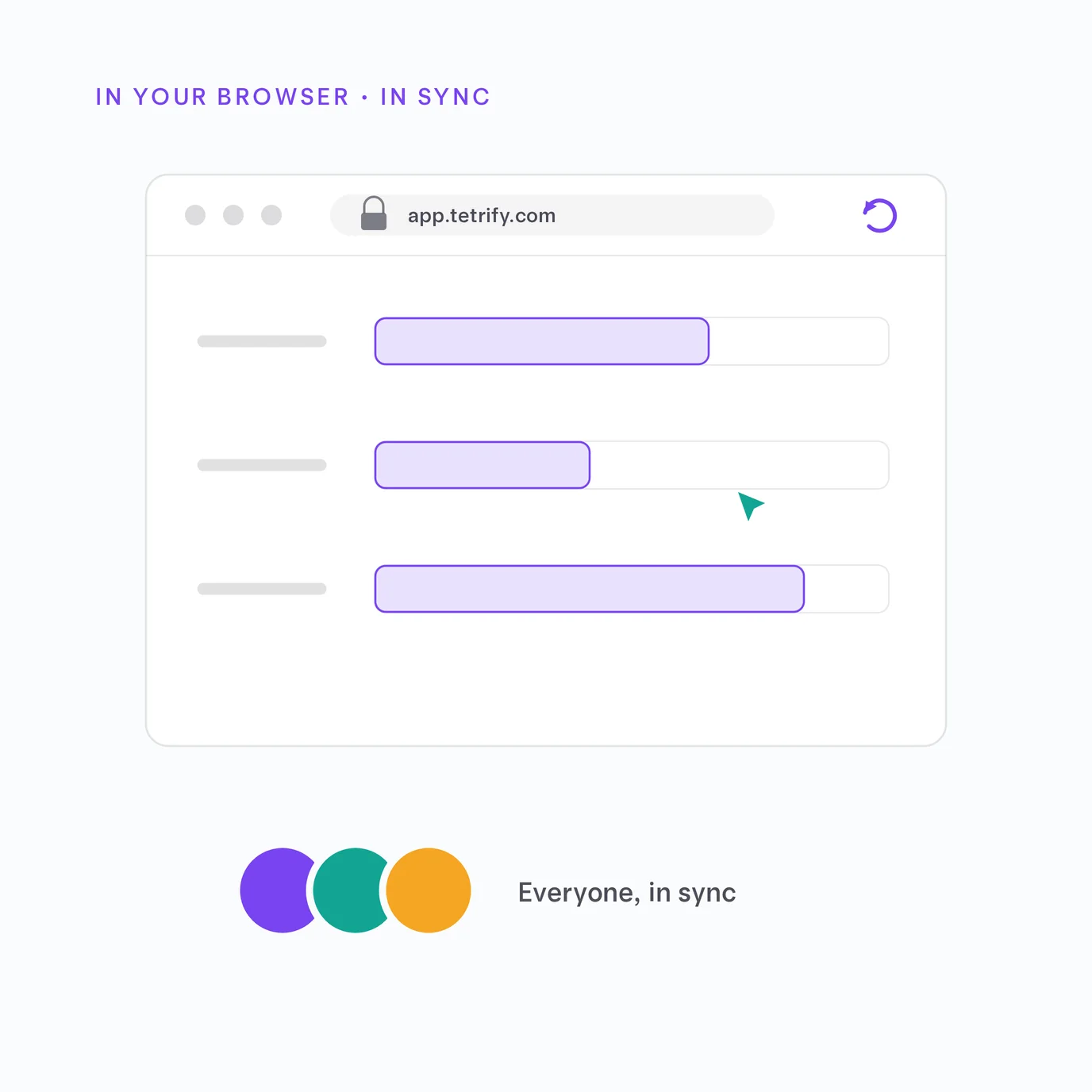
Illustration of the Tetrify board running in a browser window, with teammates' live cursors and stacked avatars — nothing to install, in sync for everyone.

Stop leaving revenue on the bench.

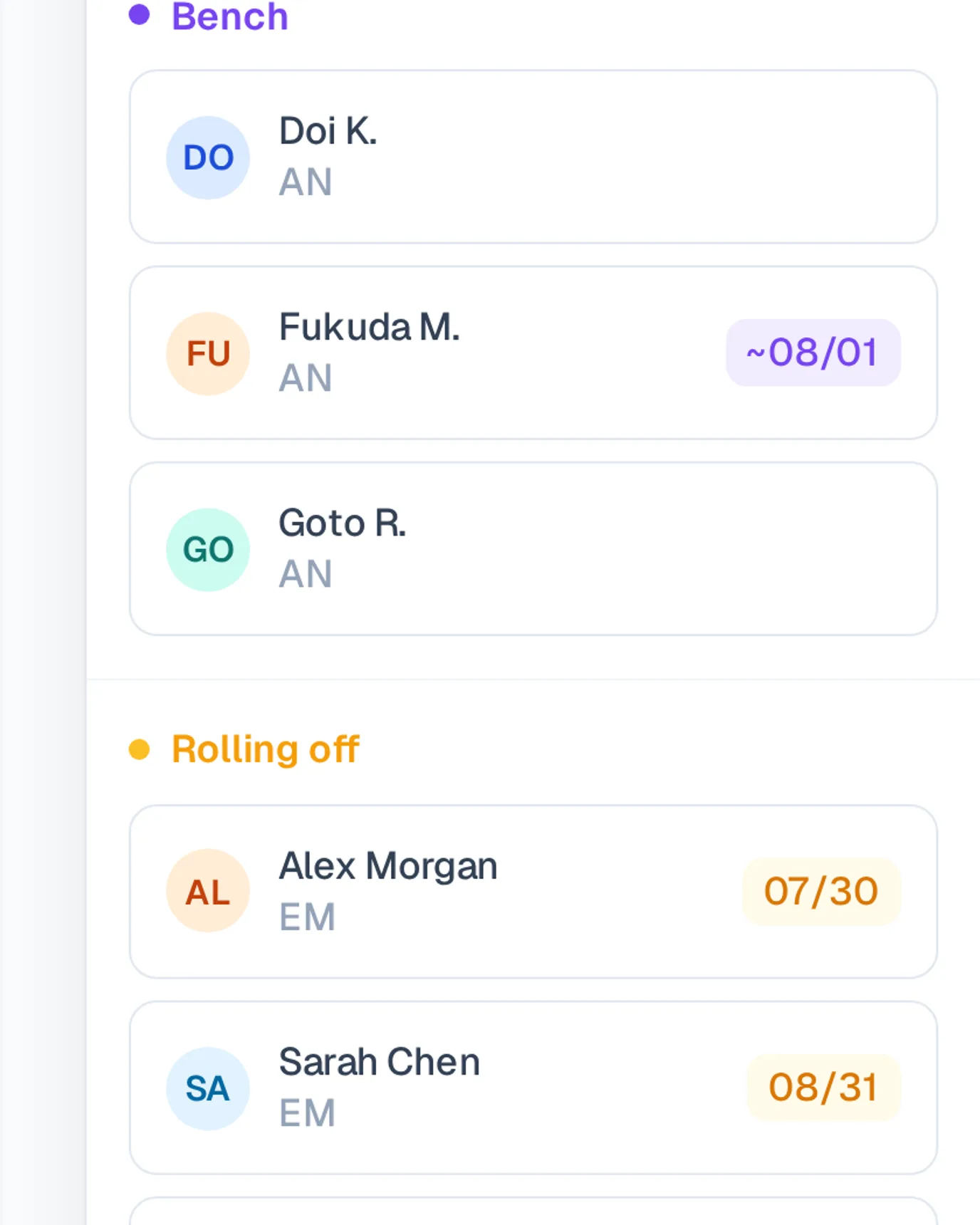
Spot who’s rolling off or sitting idle next week and fill the gap while there’s still time.
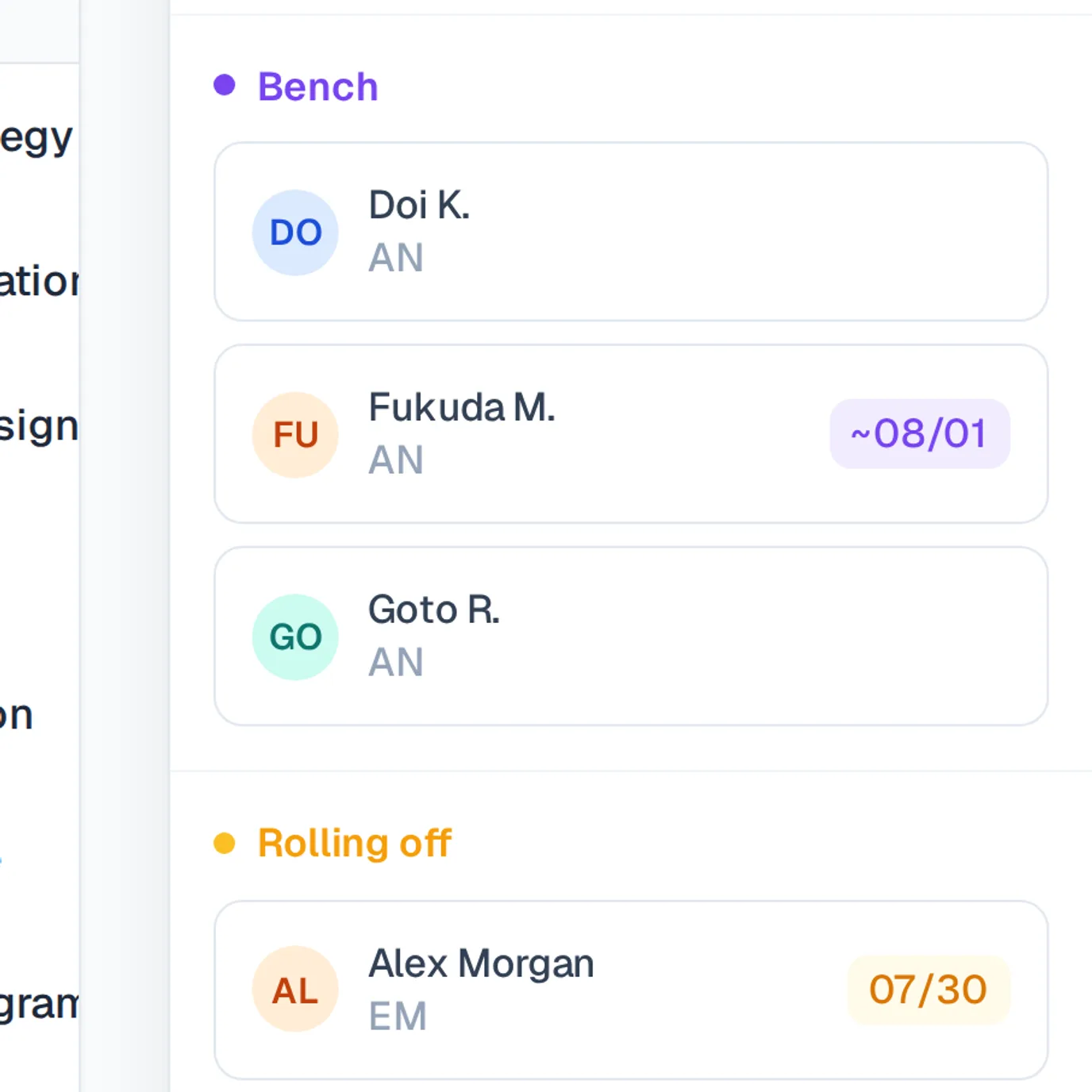
Screenshot of Tetrify's matrix with the availability panel open, listing who's on the bench and who's rolling off, with dates.

Tetrify flags anyone booked past 100% so you rebalance before it turns into burnout or a slip.Take a tour
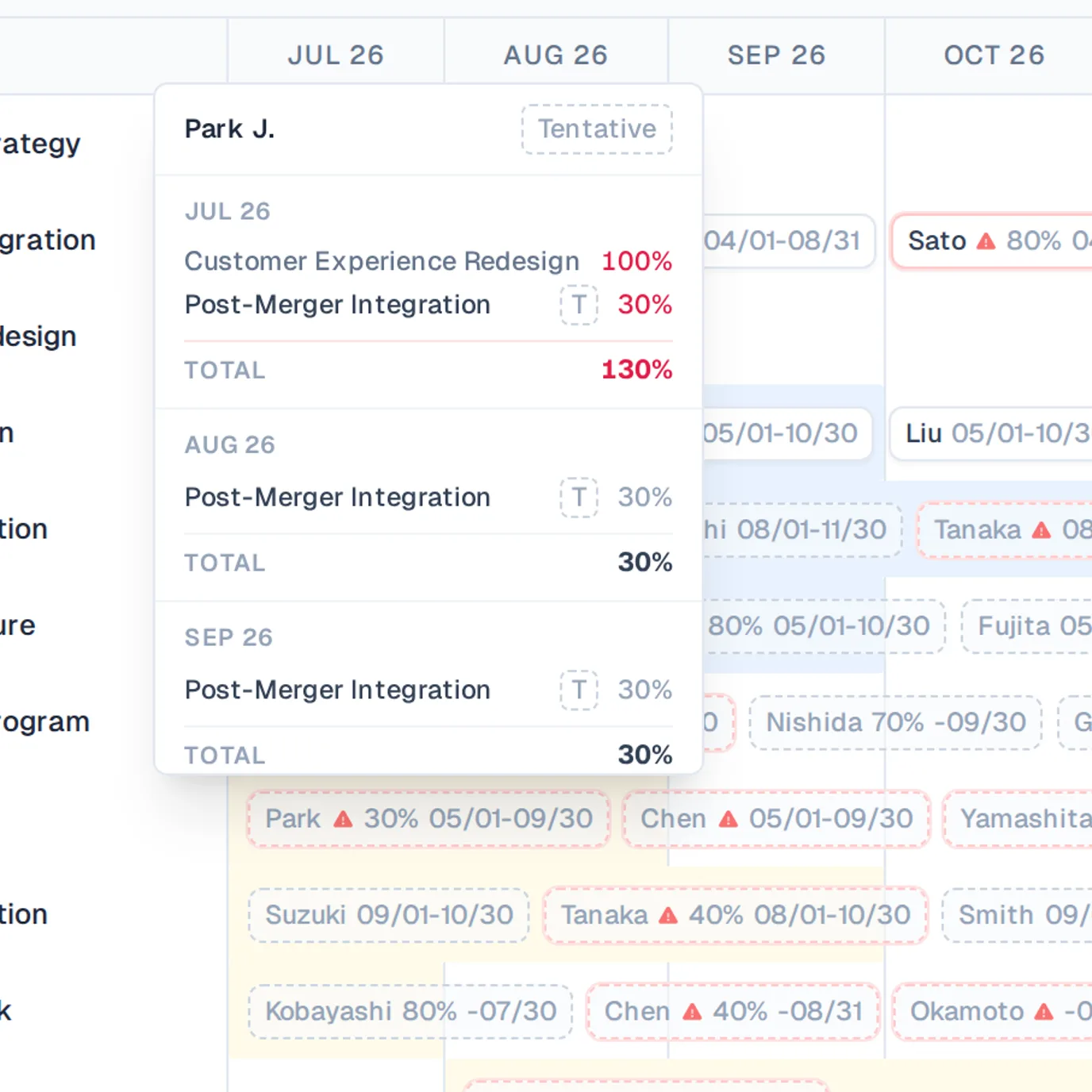
Screenshot of a Tetrify matrix cell flagged in red for being booked past 100% allocation.

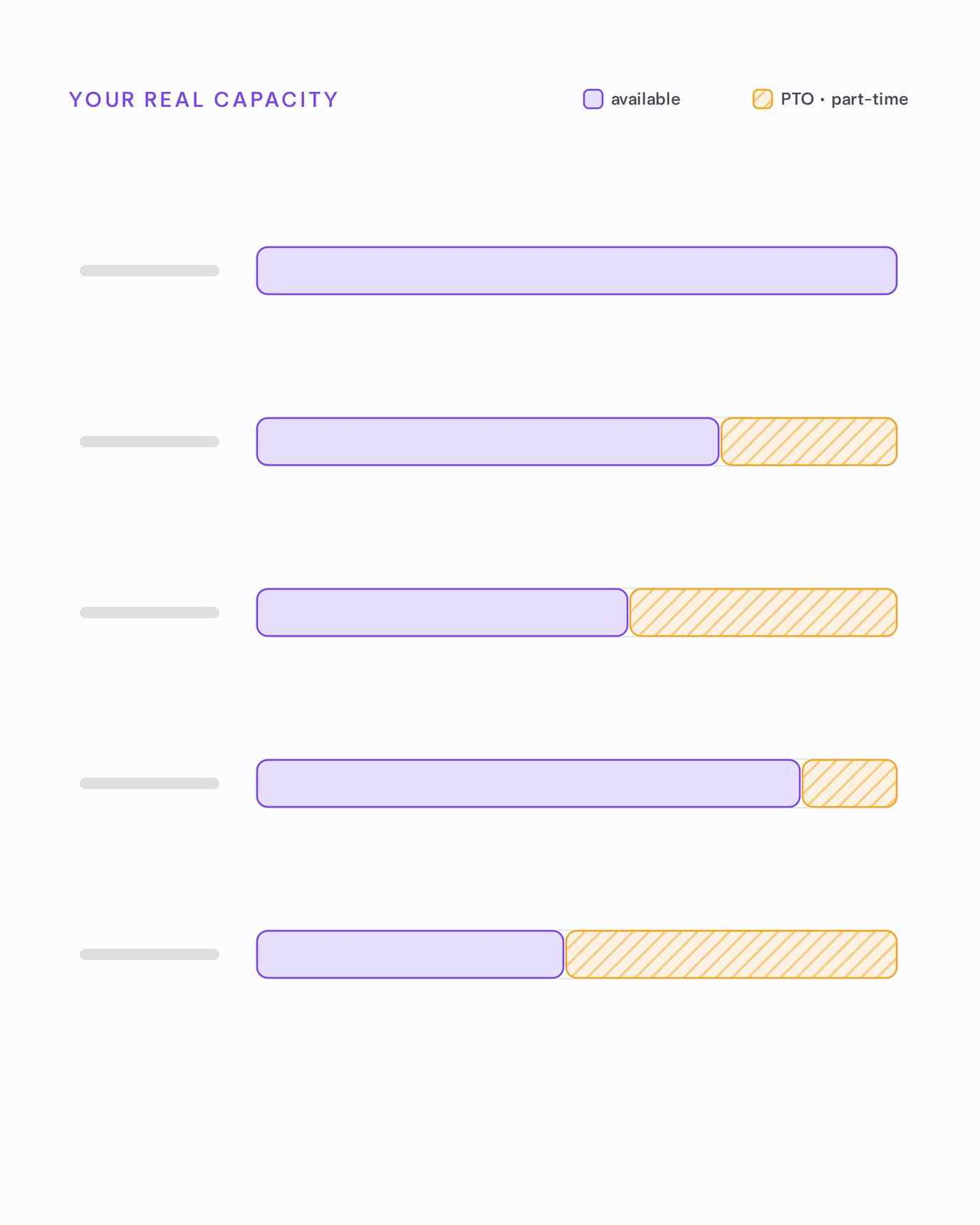
Plan around PTO and part-time schedules so your numbers reflect the team you actually have.Take a tour
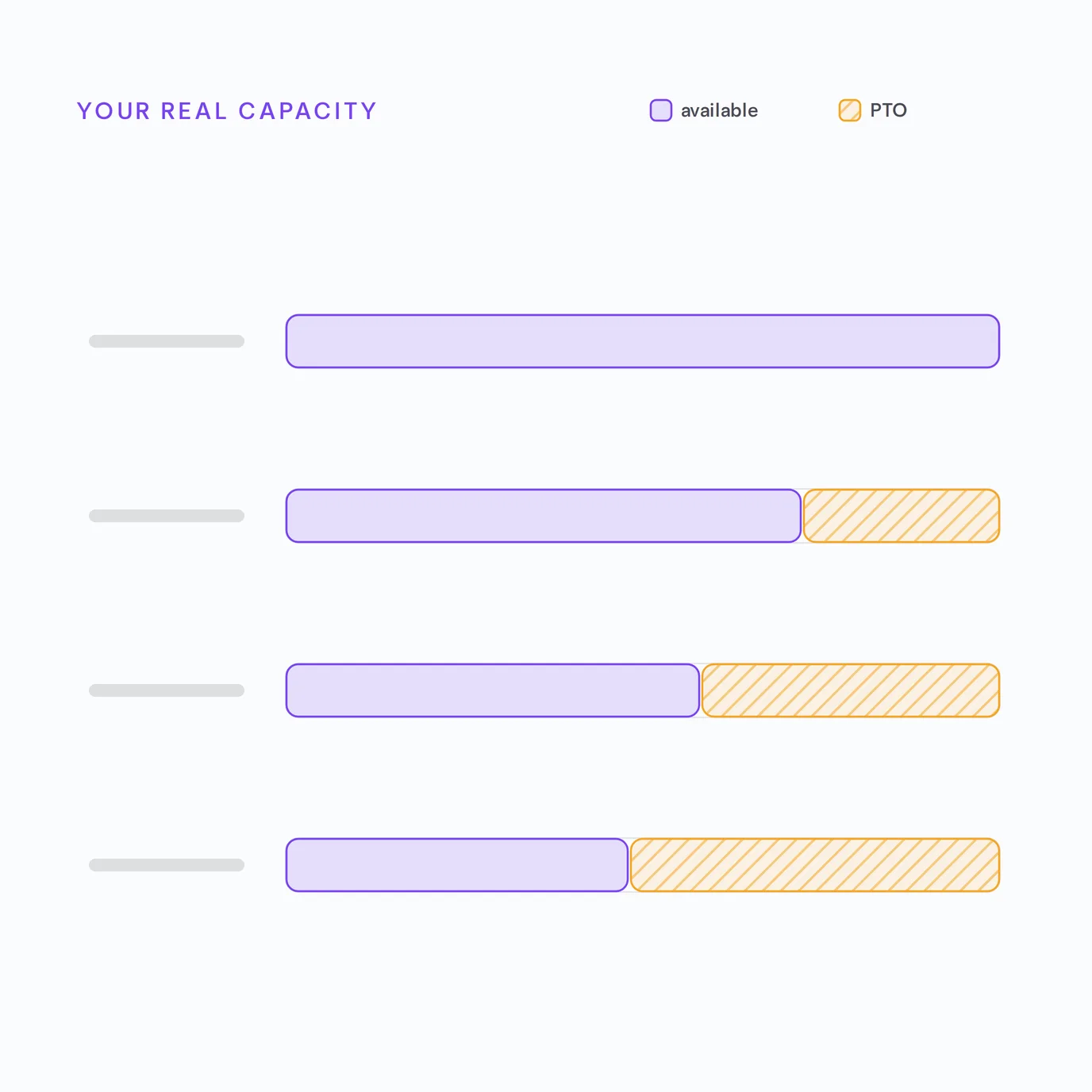
Illustration of each person's real available capacity as an indigo bar, reduced from full capacity by hatched PTO and part-time time off.

Run like the big firms — without their overhead.
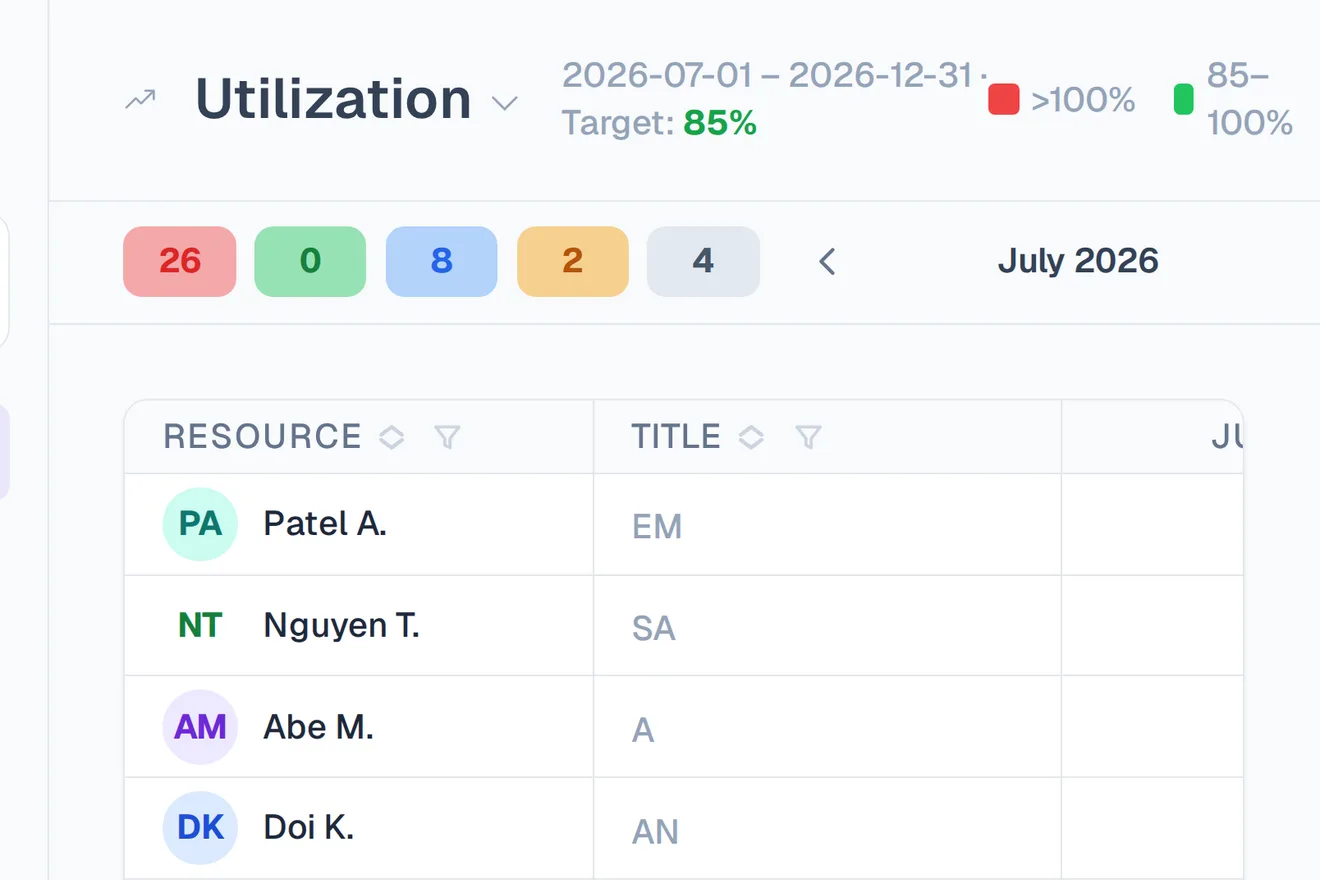
Screenshot of Tetrify's utilization view tracking billable utilization against a target, by person and team.

Hit your utilization target

Track billable utilization against your goal — by person, team, or the whole firm — live, not in a month-end report.
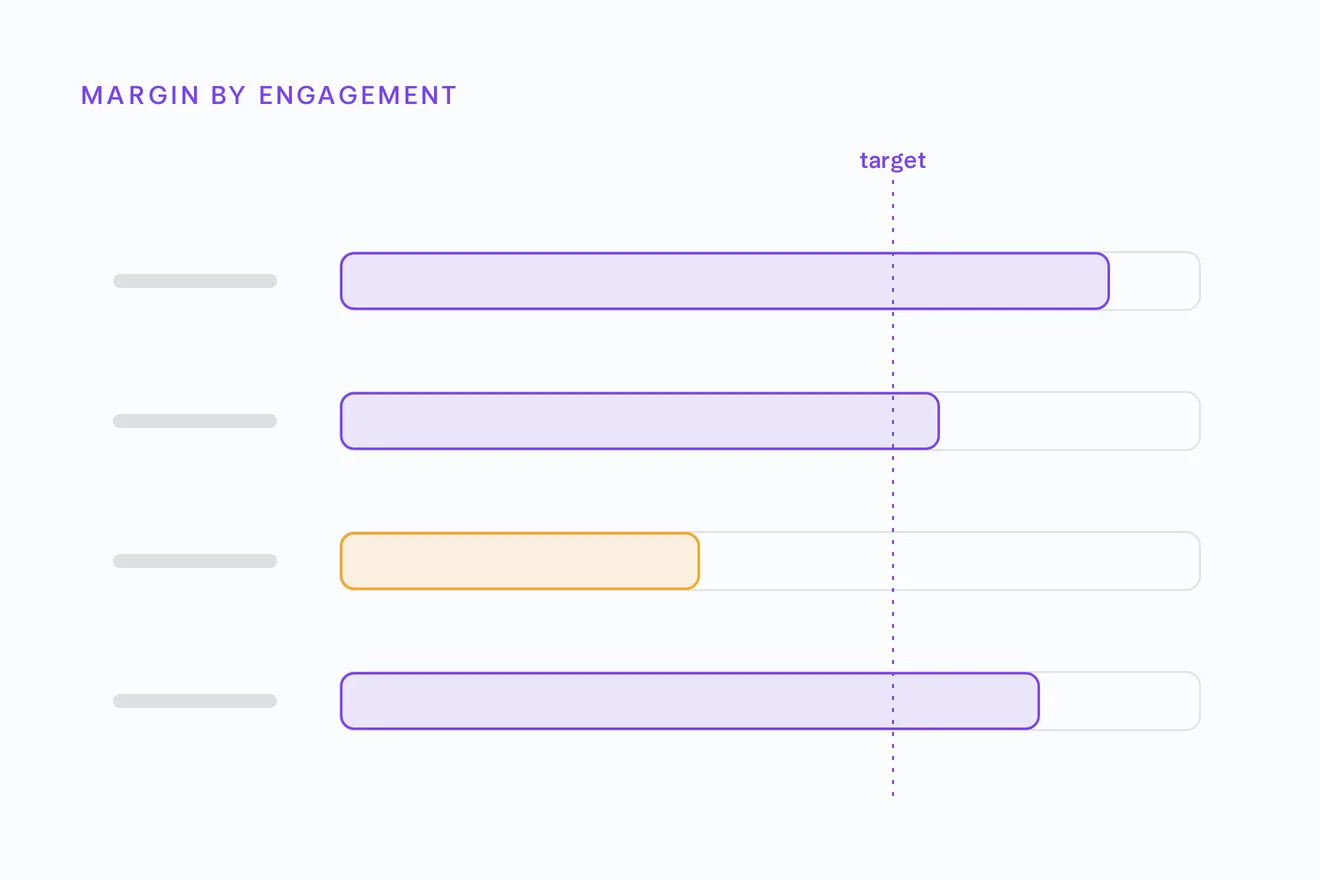
Illustration of per-engagement margin as horizontal bars, each measured against a dashed target line, with one project falling short of target highlighted.

Protect your margin

See budget burn and margin per engagement as staffing shifts, so you catch a slipping project before it costs you.

Match demand to supply

Project managers request the roles they need; resource managers fill them from who’s actually free. No guesswork.
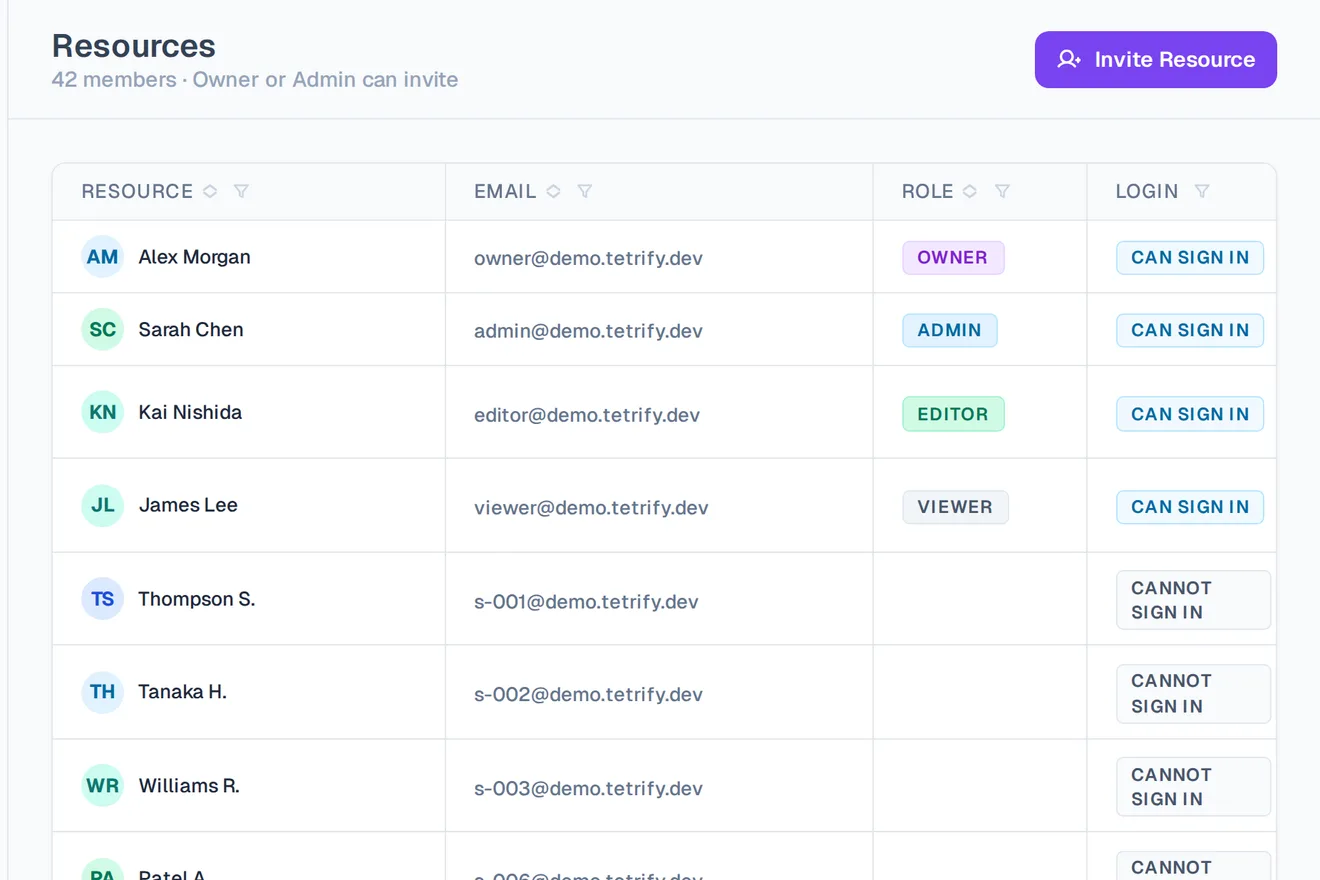
Screenshot of Tetrify's members and roles settings, listing each teammate with their assigned workspace role.

Everyone in their lane

Partners see the whole firm; consultants see their own week. Role-based access, no extra admin.

Enterprise-grade trust, without the enterprise overhead.

Illustration of isolated workspaces stacked as separate padlocked cards, one highlighted — depicting per-workspace isolation with encryption.

Your data, encrypted and isolated

Every workspace is fully separated and sensitive data is encrypted — security built in, not bolted on.
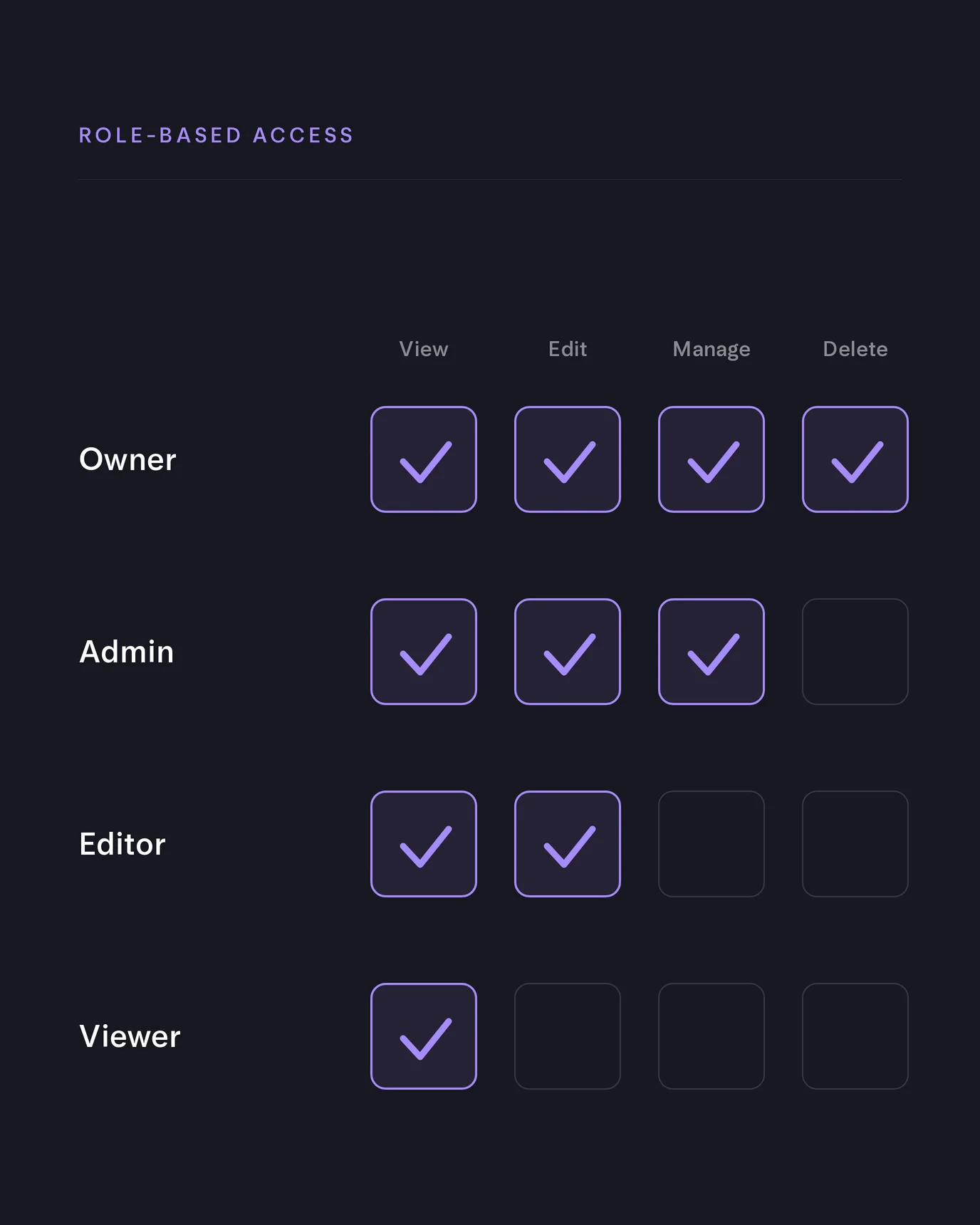
Illustration of a role permission matrix — Owner, Admin, Editor and Viewer rows against View, Edit, Manage and Delete columns — showing which actions each role can take.

The right access for every role

Owner, admin, editor, viewer — granular permissions keep the plan visible to exactly the right people.

Illustration of a global edge network — a central Tetrify node connected out to six surrounding points of presence.

Fast everywhere, always on

Built on a global edge network, so the board responds instantly wherever your team works.

Ready to retire the staffing spreadsheet?

About Tetrify

Tetrify is resource-planning software for small and midsize consulting firms — the ease of a spreadsheet with the backbone of a real system.